A screenshot organizer for Mac
Every screenshot, read and shelved.
You keep screenshots as a record: an ID, a bill, a boarding pass, an address, an error. Shotwise reads the words in each one on your Mac, puts it on the right shelf, and finds it again by what it says.
macOS 14 or later · Apple silicon & Intel · Read on your Mac, nothing uploaded · Install help
Try it
Sixteen screenshots, one search away.
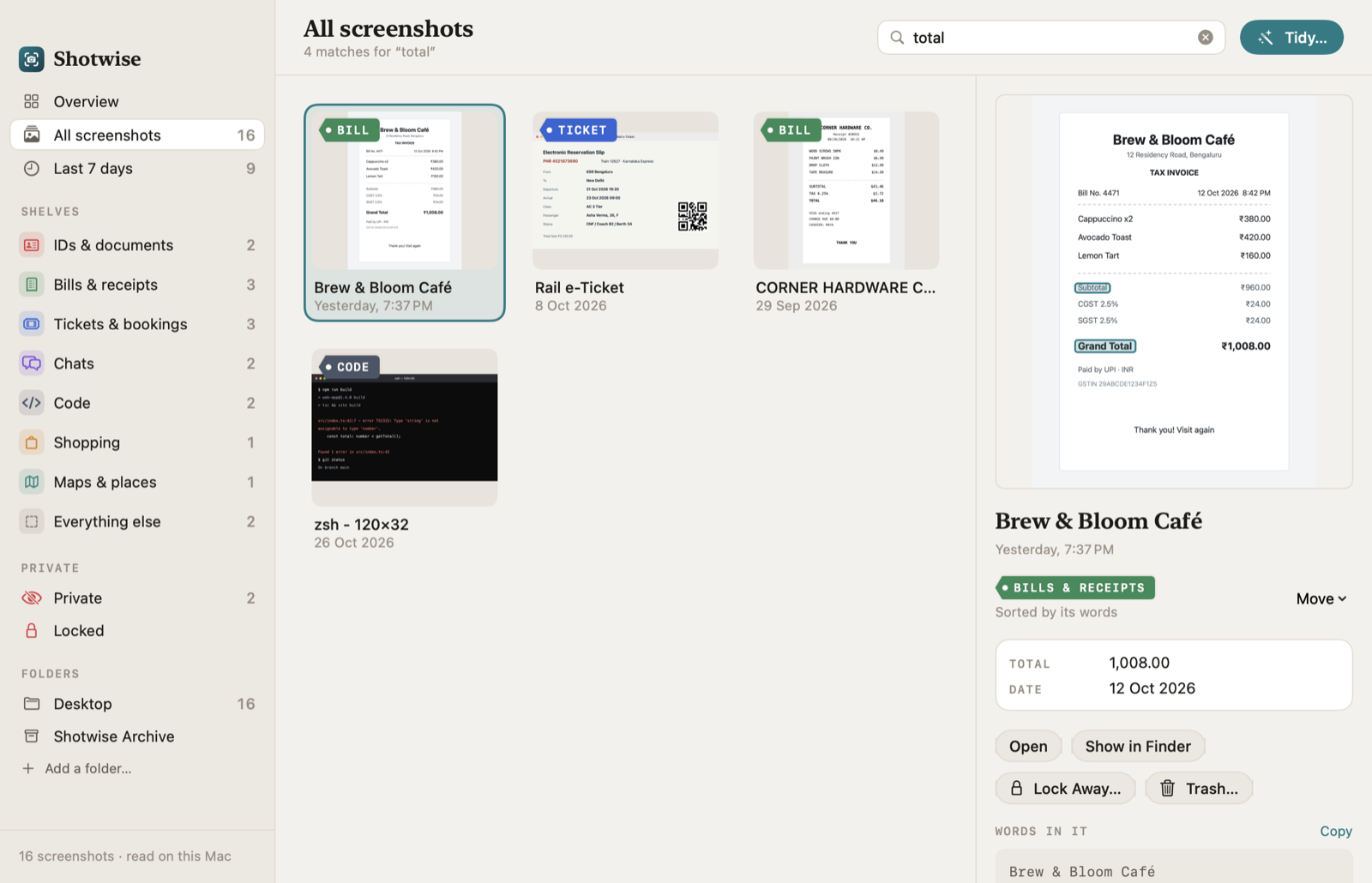
This is the app's own demo Desktop: made-up screenshots, with the words Shotwise's reader actually found in them. Search for or press Shelve them.
16 screenshots on 8 shelves, sorted from their own words.
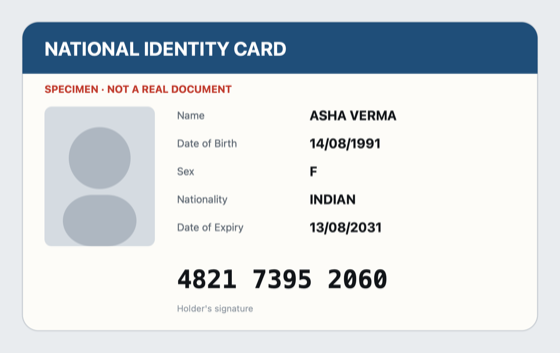
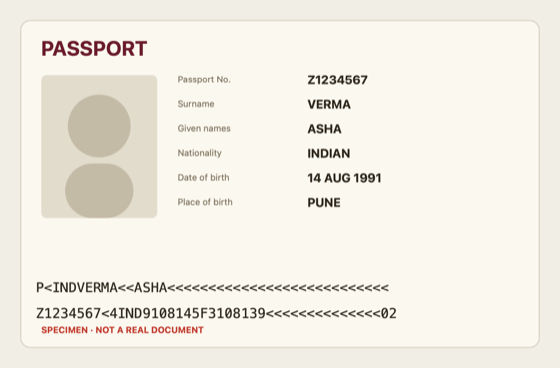
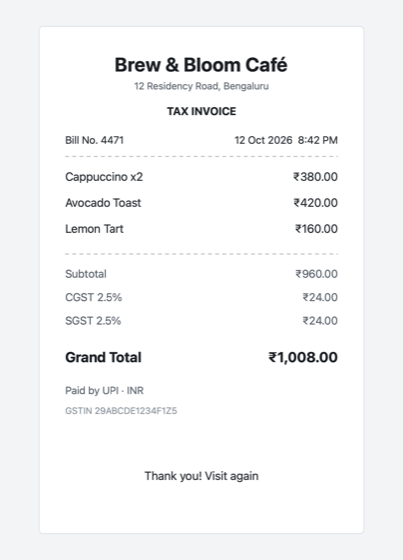
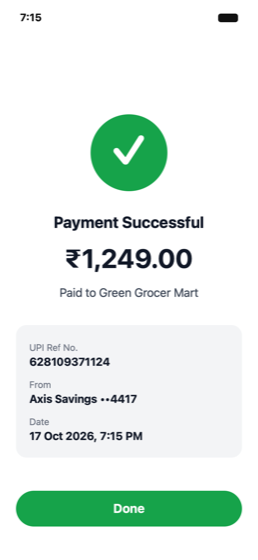
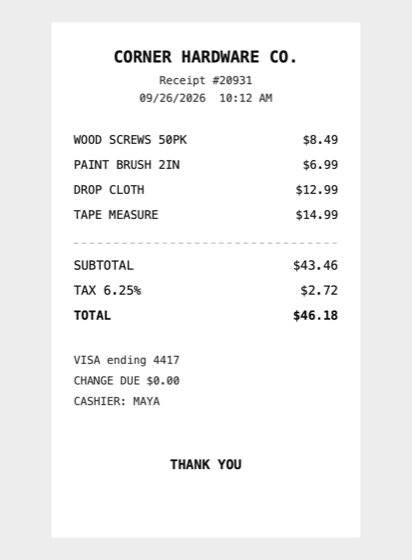
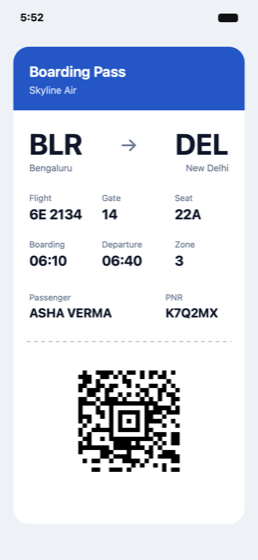
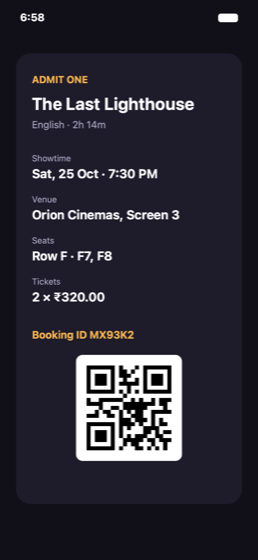
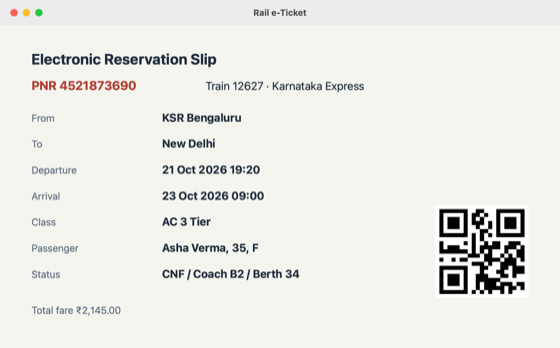
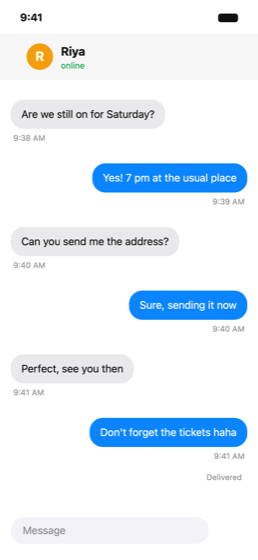
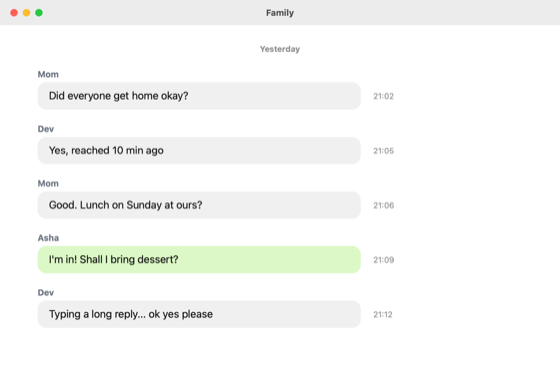
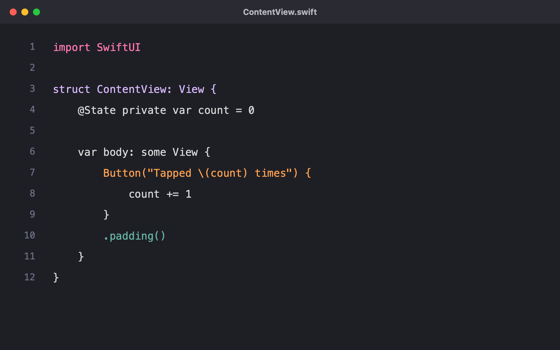
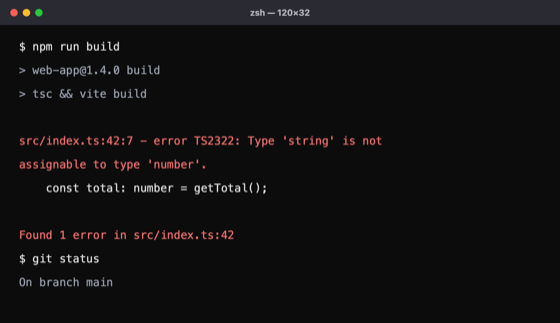
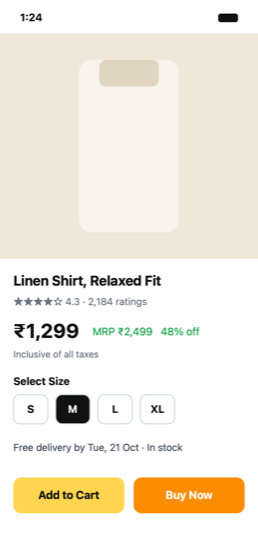
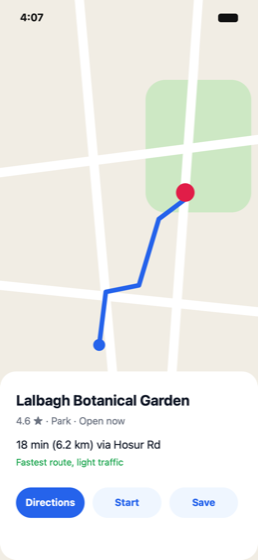
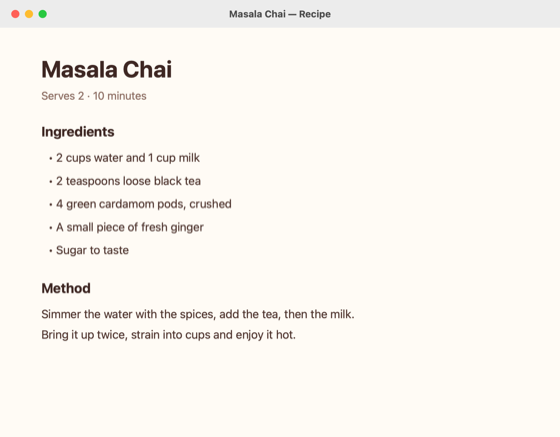

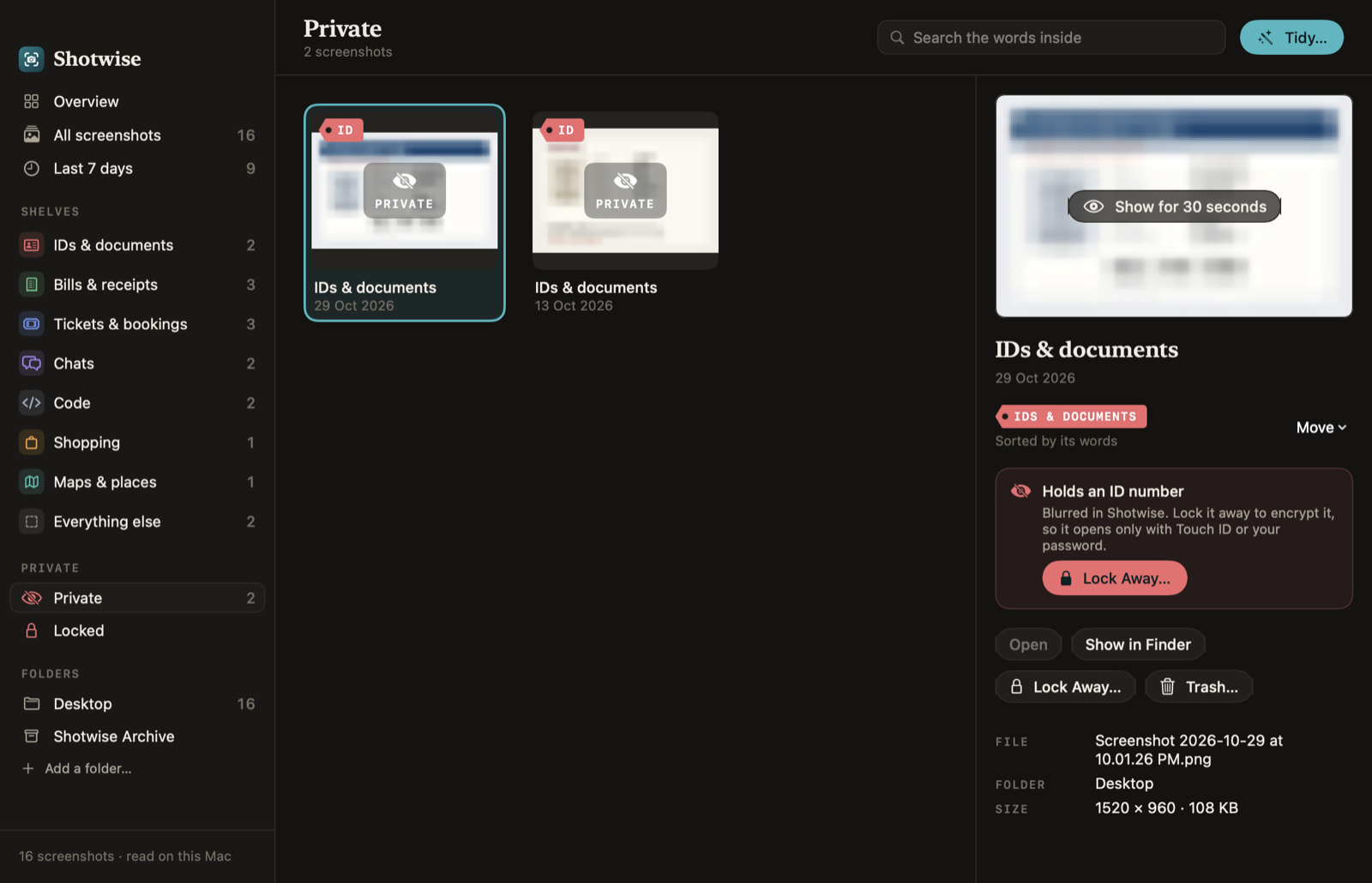
Names, numbers and places in these screenshots are invented; the ID and passport say SPECIMEN. In the app, private ones stay blurred until you choose to look.
Search what it says
Type a word you remember: “gate”, “Swiggy”, “1299”. Every screenshot that says it turns up, with the matching lines outlined on the picture.
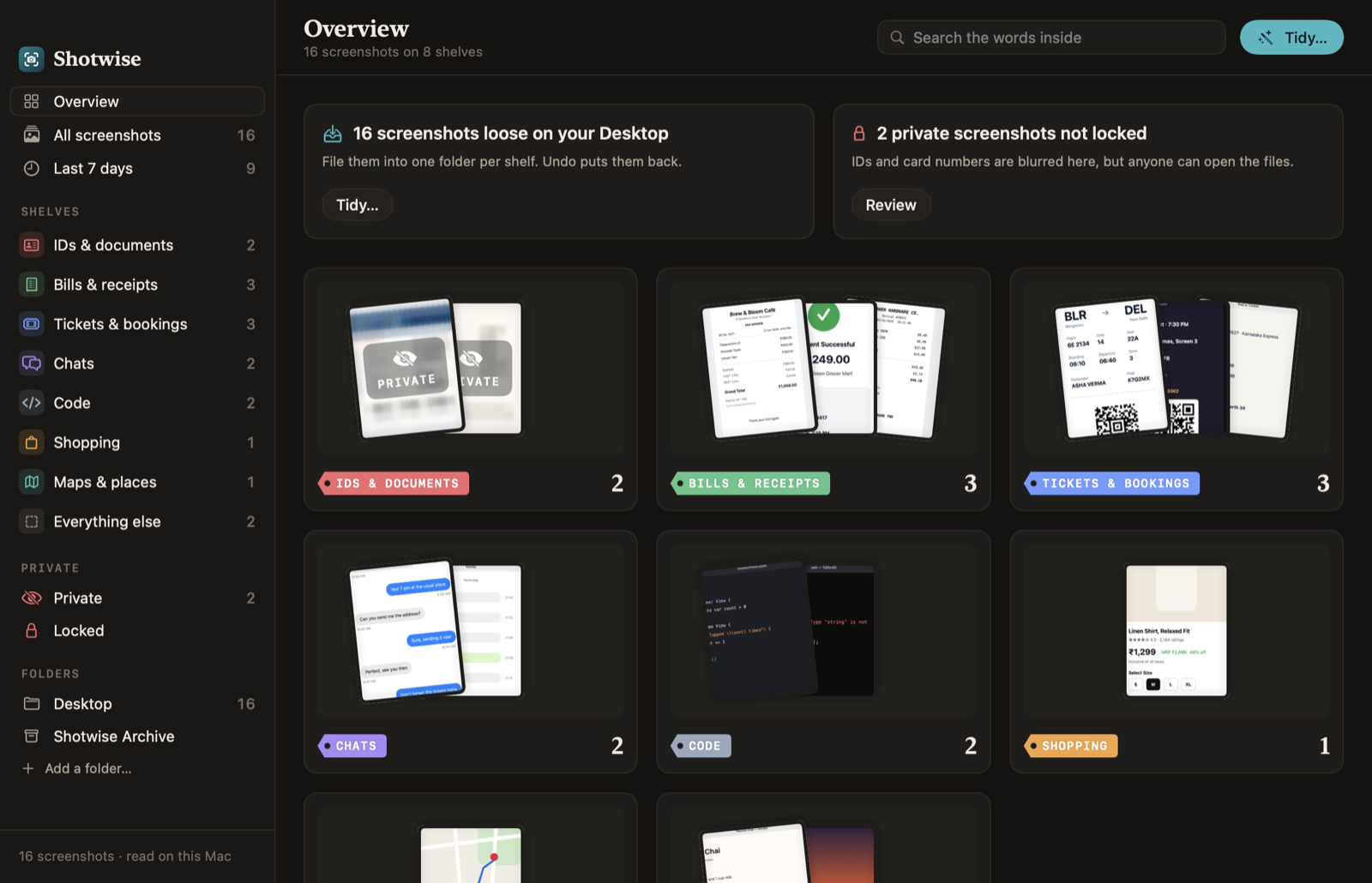
Shelves that fill themselves
Receipts on one shelf, tickets on another, chats, code, shopping and maps on theirs. Wrong shelf? Move it once and it stays.
Private stays private
IDs, card numbers and passports are spotted and blurred. Lock them away and they open only with Touch ID or your Mac's password.
The eight shelves
Sorted by its own words.
No guessing from the picture. Shotwise reads the text with Apple's on-device text recognition, then looks for what each kind of screenshot always says.
date of birth nationality, a passport's P< line, an ID number that passes its check digit.
subtotal GST paid to UPI ref, and prices like ₹840.00.
gate seat PNR showtime, BLR → DEL, and the Aztec code on a boarding pass.
A column of timestamps, delivered online yesterday, short lines and questions.
Braces and semicolons, func import const, a $ prompt, a stack trace.
add to cart buy now MRP 48% off select size.
directions 18 min 6.2 km via open now.
Recipes, memes, photos with no words. When nothing is clear, Shotwise doesn't pretend.
Inside the app
Every shelf, at a glance.
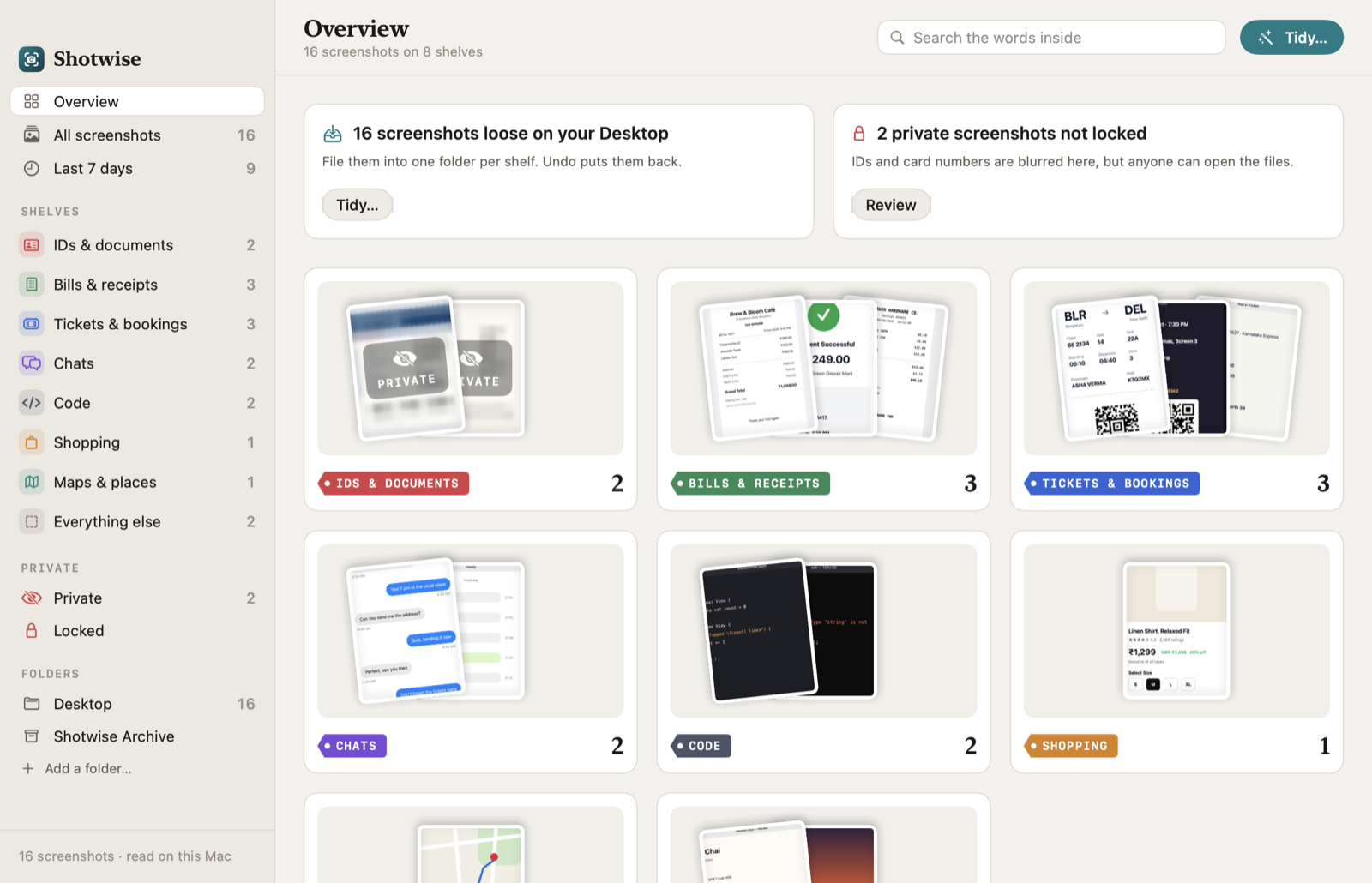
The locked area
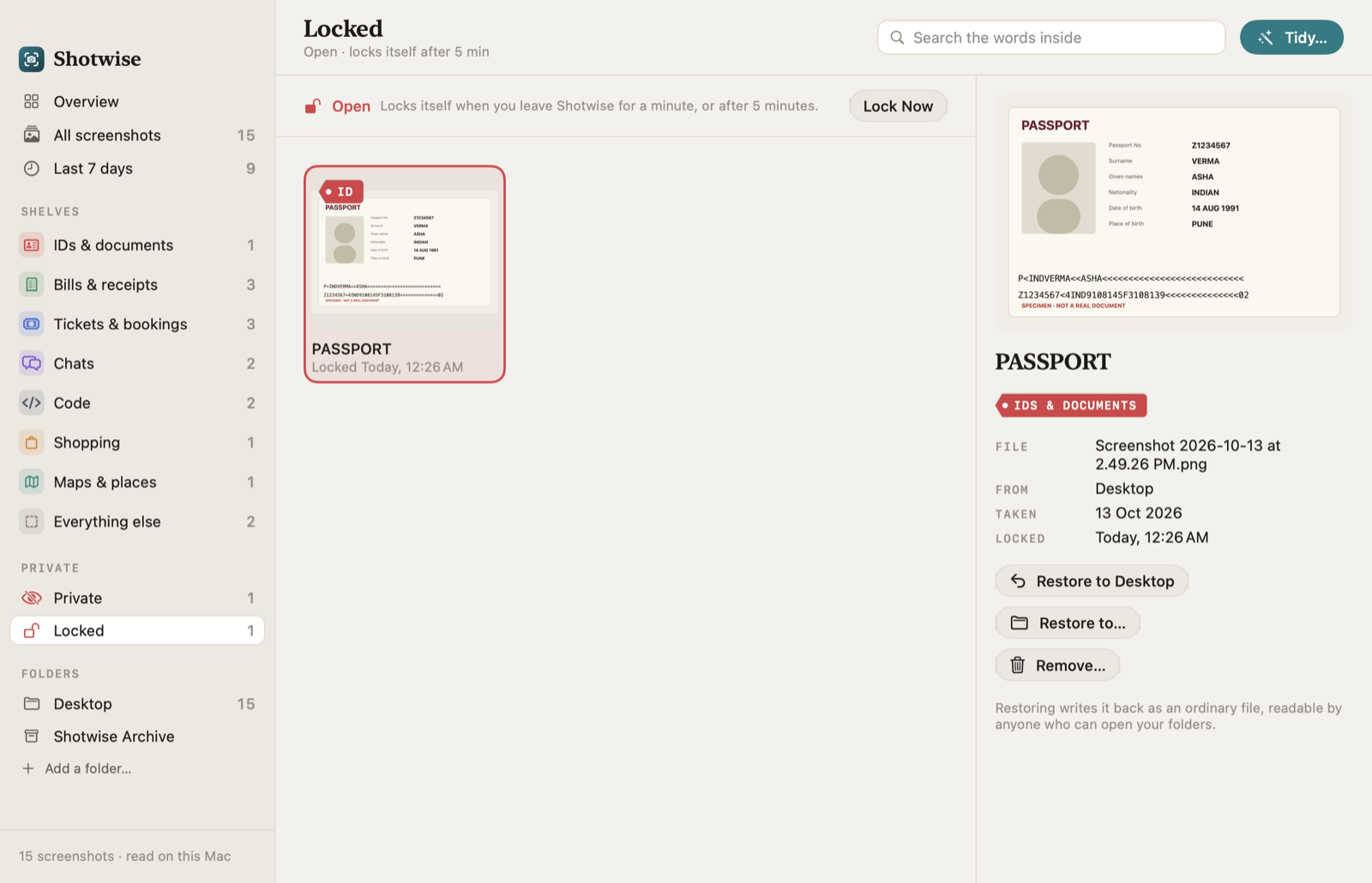
IDs, under lock.
- Spotted by their numbers. Card numbers (Luhn check), Aadhaar-style ID numbers (Verhoeff check), PANs, passport lines, IBANs and account numbers, not just the word “ID”.
- Blurred everywhere. Thumbnails are drawn from a tiny copy, so nothing readable is on screen until you choose to look.
- Encrypted on your Mac. Locking a screenshot encrypts it with AES-256, its words and name included, using a key in your login Keychain.
- Touch ID to open. Or your Mac's password. It locks itself again when you leave the app.
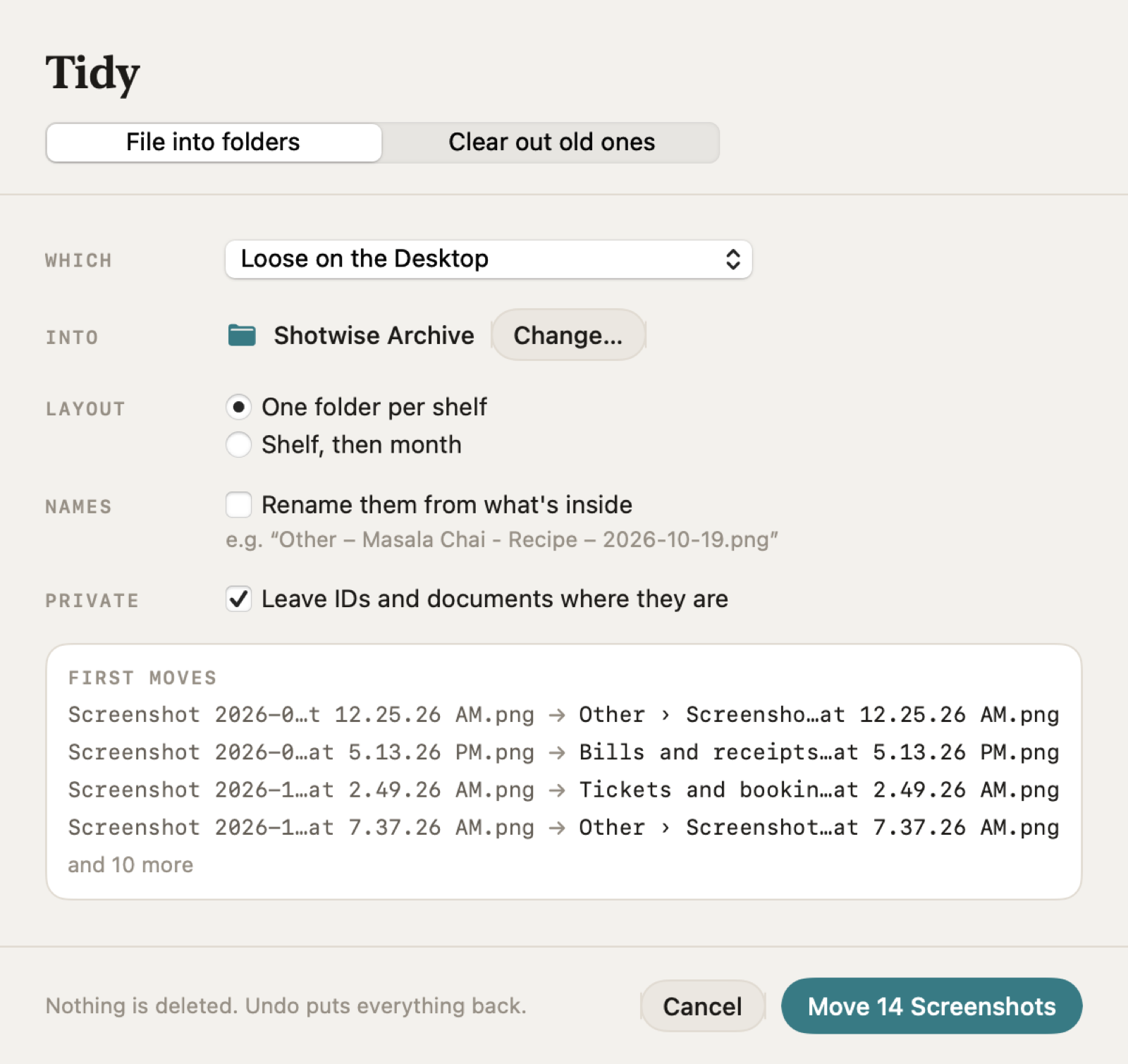
Tidy
A clean Desktop, undo included.
- One folder per shelf, or per shelf and month, wherever you choose.
- Names that say what's inside, if you like.
- Clear out old ones to the Trash, leaving IDs alone.
- Never deleted. Every tidy can be undone, even after a restart.
Screenshot 2026-10-12 at 8.42.17 PM.png
→ Bills and receipts › Bill – Brew & Bloom Café – 2026-10-12.png
Everything it does
Small app, whole job.
Reads on your Mac
Apple's on-device text recognition, in English and the languages your Mac is set to.
Search the words inside
Every word must match; capitals and accents don't matter; “1299” finds “₹1,299”.
Matches outlined
The lines that say your words are boxed on the screenshot itself.
Eight shelves
IDs, bills, tickets, chats, code, shopping, maps and everything else.
Fix a shelf
Move a screenshot once; Shotwise remembers, even after tidying.
Key facts
A bill's total, a booking's PNR, a flight number and the date, at a glance.
Private blur
IDs and anything with a card, ID, PAN, passport or account number.
Locked area
Encrypted on your Mac, opens with Touch ID, locks itself again.
Tidy and undo
Folders per shelf or month, clear names, old ones to the Trash, all undoable.
New ones, right away
Screenshots are read as you take them.
Any folder
Your screenshot folder, plus any folder you add, such as AirDropped iPhone shots.
Mac-like
Dark Mode, keyboard shortcuts for every shelf, VoiceOver labels, Reduce Motion.
One folder, asked once
Shotwise reads the folder your Mac saves screenshots to (usually the Desktop) and folders you add. It tells you what macOS will ask before it asks.
Nothing uploaded
Reading, sorting and search happen on your Mac. No account. Only the license and update checks use the internet.
Hands off your files
Reading changes nothing. Files only move when you tidy, and only to folders or the Trash, never away for good.
Compared
An honest side by side.
| Shotwise | Keep It Shot | Leaving them on the Desktop | |
|---|---|---|---|
| Main job | Reads, shelves, searches and tidies screenshots | Gives screenshots descriptive names with AI, plus a search index | Nothing to install |
| Search by the words inside | Yes, on your Mac | Yes, from text it reads when it renames a file | Not reliably: Apple doesn't document it |
| Sorted automatically | Eight shelves, from each screenshot's words | Not described on its site | No |
| IDs and card numbers | Blurred; encrypted locked area with Touch ID | Not described on its site | Visible to anyone at your Mac |
| Price | One-time, from ₹1,299 | Free plan with 15 renames a month; $8/month for 300; or $19 once for 500 credits or with your own OpenAI API key | Free |
Keep It Shot checked 1 November 2026 on keepitshot.com and keepitshot.com/pricing. Check its site before you buy; we only list what it says itself.
Pricing
Pay once. Keep it.
Checkout opens soon. The buttons above go live here the moment it does.
Already bought? Download Shotwise · .zip · Install help
Questions
Straight answers.
Which permissions does Shotwise need?
Only access to the folder your Mac saves screenshots to (the Desktop unless you changed it in the Screenshot app's Options) and any folder you add. macOS asks once, when you press Start Reading; Shotwise explains it first. It never asks for Full Disk Access, Screen Recording or an admin password.
Does anything leave my Mac?
No. Shotwise reads screenshots with Apple's on-device text recognition, and its notes about them stay in a small file on your Mac. There's no account. Only the license check and the update check use the internet.
How does it decide which shelf a screenshot goes on?
From the words in it: a receipt says “subtotal” and shows prices, a boarding pass says “gate” and “seat”, a chat is a column of timestamps. It also notices barcodes, which tickets carry. When nothing is clear, the screenshot goes to Everything else. If it gets one wrong, move it to the right shelf and it stays there.
Will it delete my screenshots?
Never. Reading doesn't touch your files. Tidying moves them into folders or puts them in the Trash, and every tidy can be undone, even after a restart.
How safe is the locked area?
Each locked screenshot is encrypted with AES-256, with its words and name, using a key kept in your login Keychain on this Mac. It opens with Touch ID or your Mac's password and locks itself again when you leave the app. The original goes to the Trash; empty the Trash to remove it for good.
Which languages can it read?
English and the languages your Mac is set to, as far as Apple's text recognition supports them on your version of macOS. Shelving works best with English words; search works in any language it can read.
Does it read photos of documents or handwriting?
Clear photos of printed text, yes. Handwriting mostly won't be read, and blurry or tiny text may be missed.
Does it take screenshots?
No. Keep using ⇧⌘4, ⇧⌘5 or your usual tool. Shotwise picks up what you take, a moment later.
Is there a free trial?
No. The demo on this page uses the app's own sample screenshots and the words its reader found in them.
macOS says it can’t verify the developer.
Shotwise is distributed directly from this website. Here’s how to open it the first time.
What are the requirements?
macOS 14 Sonoma or later, on Apple silicon or Intel. Touch ID is optional; your Mac's password works too.